 Auroracast Tab
Put Auroracast on your own Tab5.
If you bought an M5Stack Tab5 yourself, you can install Auroracast on it from here.
Install Auroracast Not working yet: this is the first look at the site.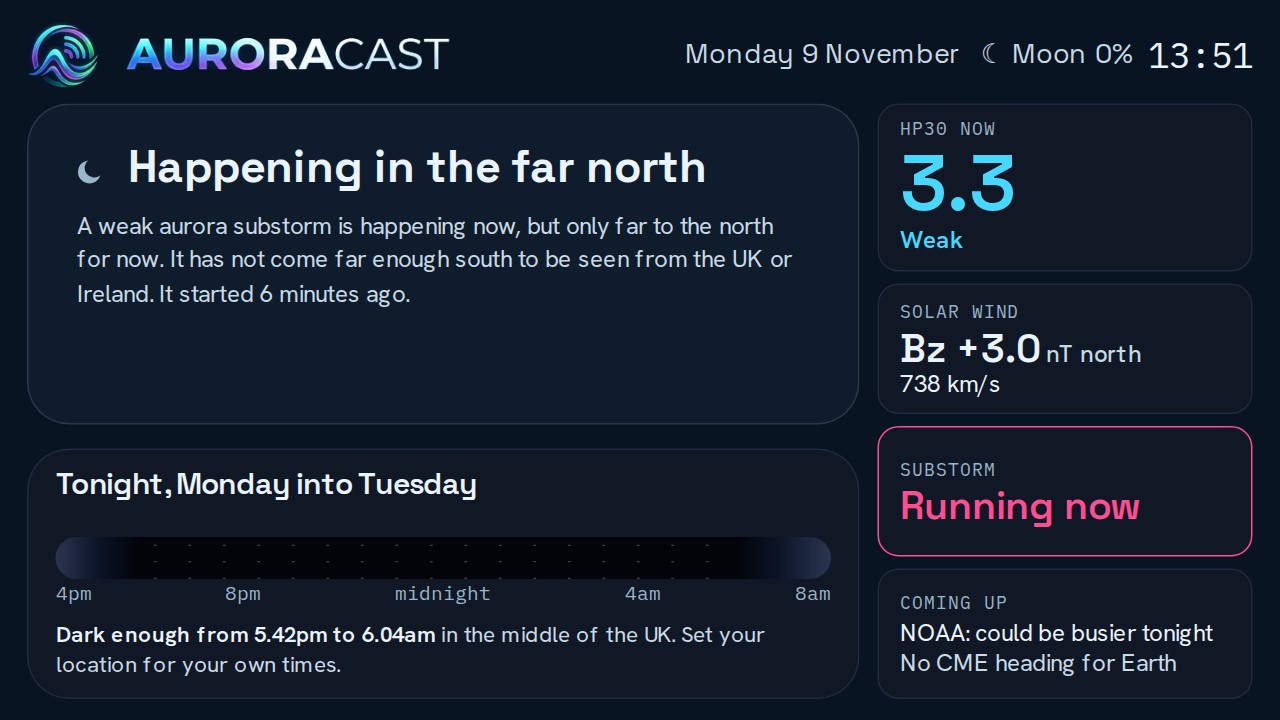
What you need
- An M5Stack Tab5. With or without the battery. Both kinds of chip work.
- A USB-C cable that carries data, not only power.
- A computer with Chrome or Edge. Other browsers cannot talk to the screen over USB.
What happens
- Plug the Tab5 into your computer and press Install.
- Pick the screen in the list your browser shows. Auroracast is put on it.
- The screen asks for your Wi-Fi, then shows a short code.
- Sign in here, type that code, and tick what you want on it.
One button to leave alone
Press the power button once to switch on and twice quickly to switch off. Do not hold it down: that puts the Tab5 into its install mode and the screen goes blank. If that happens, plug it into your computer and press Install again.